Rating: 7.8/10
Introduction: Your Desk Is Missing a Colleague
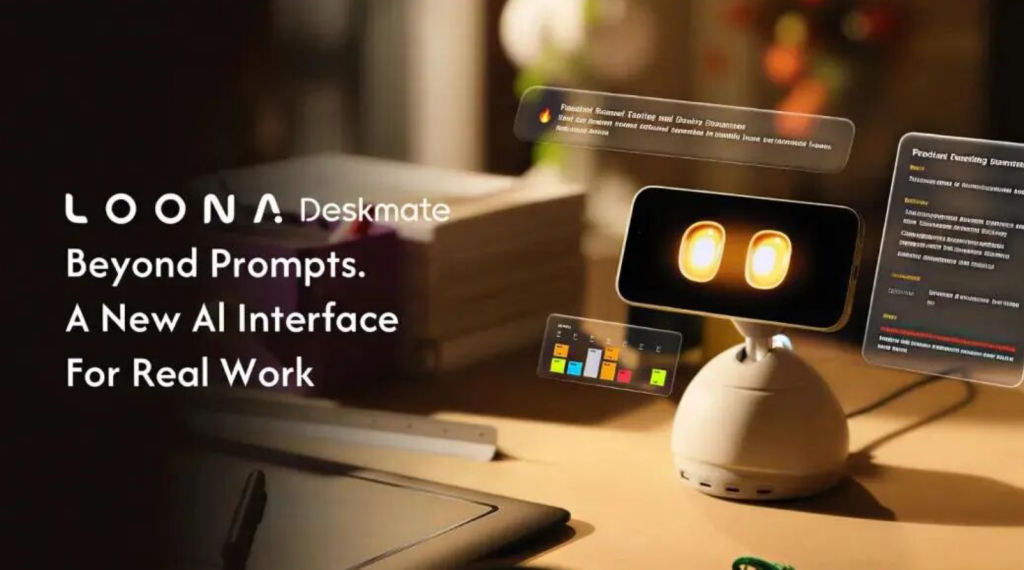
In April 2026, KEYi Tech completed a phenomenal Kickstarter campaign: Loona Deskmate, attracting 3,166 backers and raising $721,816 in 30 days—72× the goal.
This is not a speaker. Not a charger. Not a phone stand. It is a “desktop AI co-worker.” More critically, it may be the first AI device that truly understands “what you are doing” rather than “what you are saying.”
Product Overview: Your iPhone Is Its Brain
Loona Deskmate’s core design is audacious: it has no main processor. Your iPhone 12 (or newer) slots into the magnetic dock on its back, becoming its “brain.”
What does this mean?
- Compute power upgrades with your iPhone, never obsolete
- All AI processing happens locally, privacy data never hits the cloud
- Response latency around 0.5 seconds, near-instant feedback
Dimensions: 113×106×113mm. Weight: 880g. It features 3-DOF motion: yaw (left-right), pitch (up-down), roll (tilt). Brushless DC motors let it “look” at your screen, “face” you when speaking, even “watch” you leave your desk.
Killer Feature #1: Screen Awareness, a True Colleague’s Perspective
Loona Deskmate’s killer feature is screen awareness. Through the iPhone camera, it comprehends what is on your screen—not simple screenshot OCR, but contextual understanding.
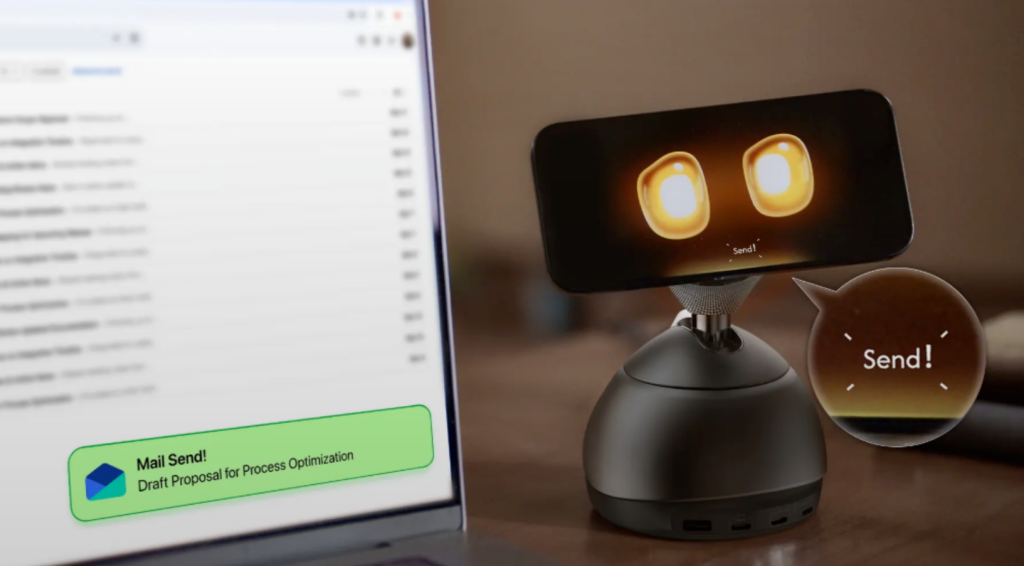
Stuck on an email? It sees the cursor and half-finished sentence, then asks: “Need help polishing this email?” Staring at an Excel column? It says: “The average of this column is…” In a Zoom meeting? It stays quiet but logs key decision points.
“No prompts. No app switching. Sees your screen. Works with your apps.”—Loona’s slogan, and its fundamental difference from Siri or Alexa: not an assistant waiting for commands, but a colleague observing context.
Killer Feature #2: 165W GaN Desktop Power Station
Loona Deskmate’s base is a 165W GaN charging station:
- 3 USB-C ports
- 1 USB-A port
- 15W magnetic wireless charging pad (for iPhone)
Your desk no longer needs a mess of chargers, cables, and power strips. Loona itself is the charging hub.
Killer Feature #3: Emotional Design, Not Just a Tool
KEYi Tech extends its emotional design philosophy from the earlier Loona pet robot. It can:
- Recognize vocal emotion and adjust response tone
- “Remind” you to take breaks after long work sessions
- Support English, French, German, Spanish, Italian, Chinese (Japanese, Korean, Russian planned)
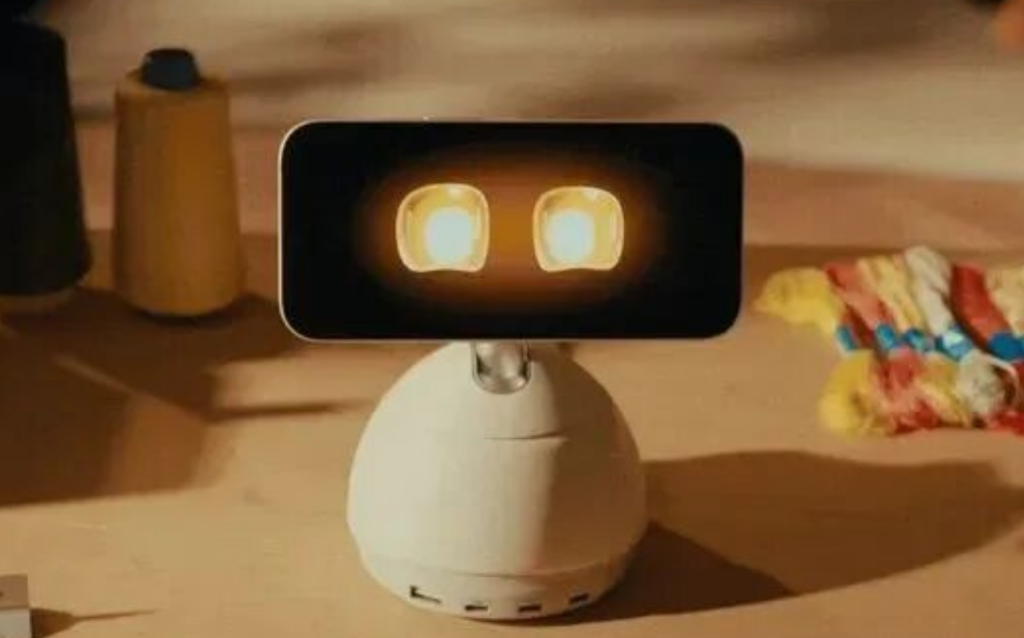
It is not a cold Siri cylinder, but a desktop entity with “presence.” MacRumors described it as “Pixar-style animated eyes that follow your gaze.”
Subscription Model: Hardware + Service Bundle
Loona Deskmate adopts a membership subscription model:
- Basic: Free, core features
- Plus: $9.9/month (or $99/year), advanced AI features
- Pro: $19.9/month, enterprise-grade features
Official comparison: Buying ChatGPT Plus($20)+email tool($10)+calendar automation($12)+scheduling SaaS($15)+AI writing tool($25)+workflow automation($20)=$102/month. Loona Plus costs only $9.9/month.
Specs Comparison: Loona vs Amazon Astro vs LOOI
| Feature | Loona Deskmate | Amazon Astro | LOOI Desktop Robot |
|---|---|---|---|
| Positioning | Desktop AI co-worker | Home monitoring robot | Phone AI robot |
| Compute Source | iPhone 12+ | Own chip | Phone placement |
| Screen Awareness | ✅ Contextual understanding | ❌ None | ❌ None |
| Charging Function | 165W GaN | ❌ None | ❌ None |
| Motion DOF | 3-DOF | 2-wheel mobile | None |
| Privacy Mode | On-device processing | Cloud-based | Phone-dependent |
| Weight | 880g | ~2kg | ~200g |
| Price | ~$220 (KS VIP) | $999 | ~$149 |
Loona’s differentiation is razor-sharp: not a pet, not a monitor, not a toy—it is a productivity tool, and the only desktop robot with “screen awareness” as its core function.
Caveats to Note
- iPhone dependency: Without iPhone 12+, it is a pretty plastic brick
- Compute ceiling: iPhone AI is powerful, but sustained high-load heat and battery drain are unknowns
- Screen awareness accuracy: Contextual understanding is AI’s hardest problem; demo videos and real experience may diverge
- 880g weight: Heavier than expected, considerable desk footprint
- Subscription cost: $9.9/month Plus membership is a recurring expense
Who Should Buy Loona?
Highly Recommended For:
- iPhone users (12+) with long desktop work hours
- Creative professionals (designers, writers, programmers) needing “passive AI assistance”
- Users tired of Siri/Alexa “question-answer” mode, wanting proactive AI
- Desktop minimalists (charging station + AI assistant in one)
Consider Waiting If:
- You are an Android user (currently unsupported)
- You are budget-sensitive (hardware $220 + subscription $9.9/month)
- You are extremely privacy-sensitive (camera always “watching” your screen)
Future Outlook: A New Species of Desktop AI
Loona Deskmate represents an overlooked direction: AI does not need new hardware, it needs new form factors. Using iPhone as compute source is brilliant subtraction—no chip fabrication, no cloud infrastructure, just form innovation.
If screen awareness delivers on its promise, Loona could become the first AI device that truly understands “what you are doing” rather than “what you are saying.” From “voice assistant” to “visual colleague,” this is a paradigm leap in interaction.
For knowledge workers facing screens eight hours daily, Loona may be the most noteworthy desktop species of 2026—provided you own an iPhone, and are willing to let it “watch” you work.
Bottom Line: The most conceptually ambitious desktop robot of 2026. Whether it works depends entirely on screen awareness accuracy—and whether you own an iPhone.
Leave a Reply